AGENTS – Now you can share your properties via Twitter at the click of a button!
It’s easy to share your properties automatically on Twitter.
There’s just a few simple steps to set up your RSS feed on Twitter.
To begin you need to get an RSS URL from your Rightmove Account Manager. Simply send a request to your Account manager via email or phone; once you’ve received the URL, you’re ready to start sharing!
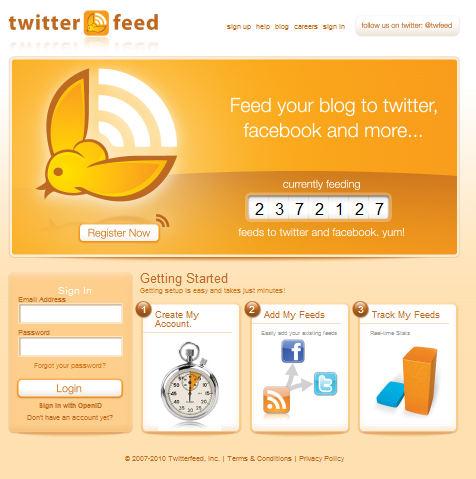
1. To create an account register here: http://twitterfeed.com
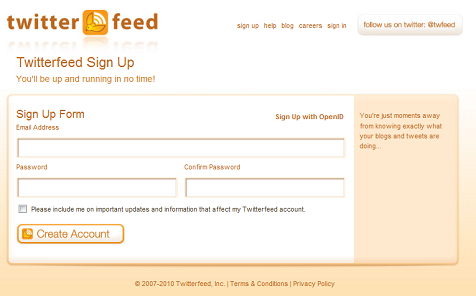
2. Simply enter your details and press ‘Create Account’.
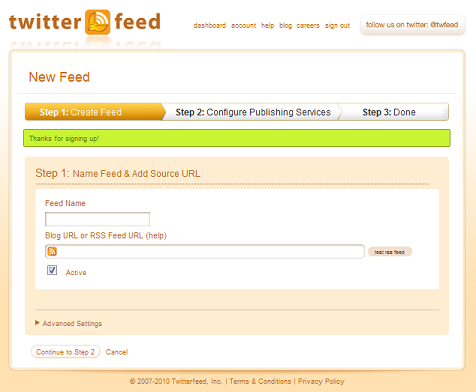
3. Now enter the URL sent to you by your Rightmove Account Manager. Don’t forget to give your feed a name and then press ‘Continue to Step 2’.
4. Step 2 requires you to select which social media account you’d like the feed to link to.
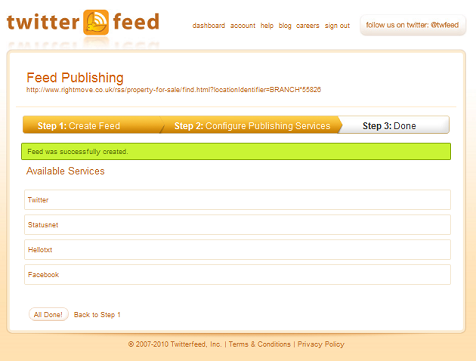
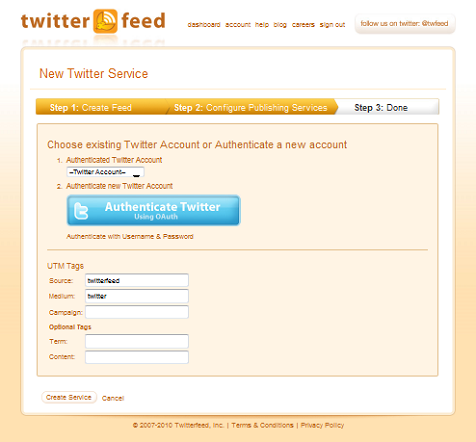
5. Once you’ve clicked on your desired option you’ll be asked to authenticate the account. Here you can either click the ‘Authenticate’ button or by authenticating using your username and password.
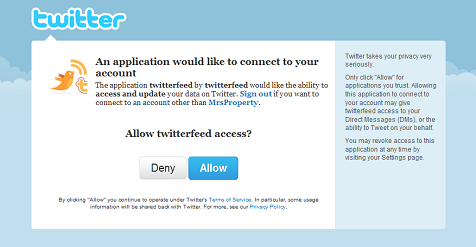
6. You’ll then be asked to authorise the Twitterfeed. Click ‘allow’ to complete adding your RRS feed to your Twitter account.
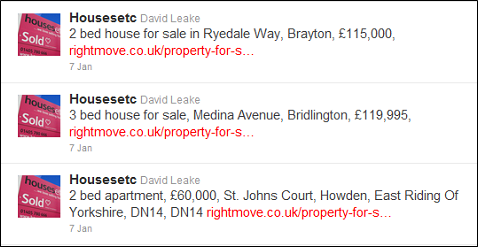
Congratulations Tweeters! You now have an RSS feed for your Twitter account letting all of your followers view your properties.
It should look something like this: